
Customer info split across tools
Phone numbers, service addresses, notes, and invoice history should not live in separate tabs that never line up.
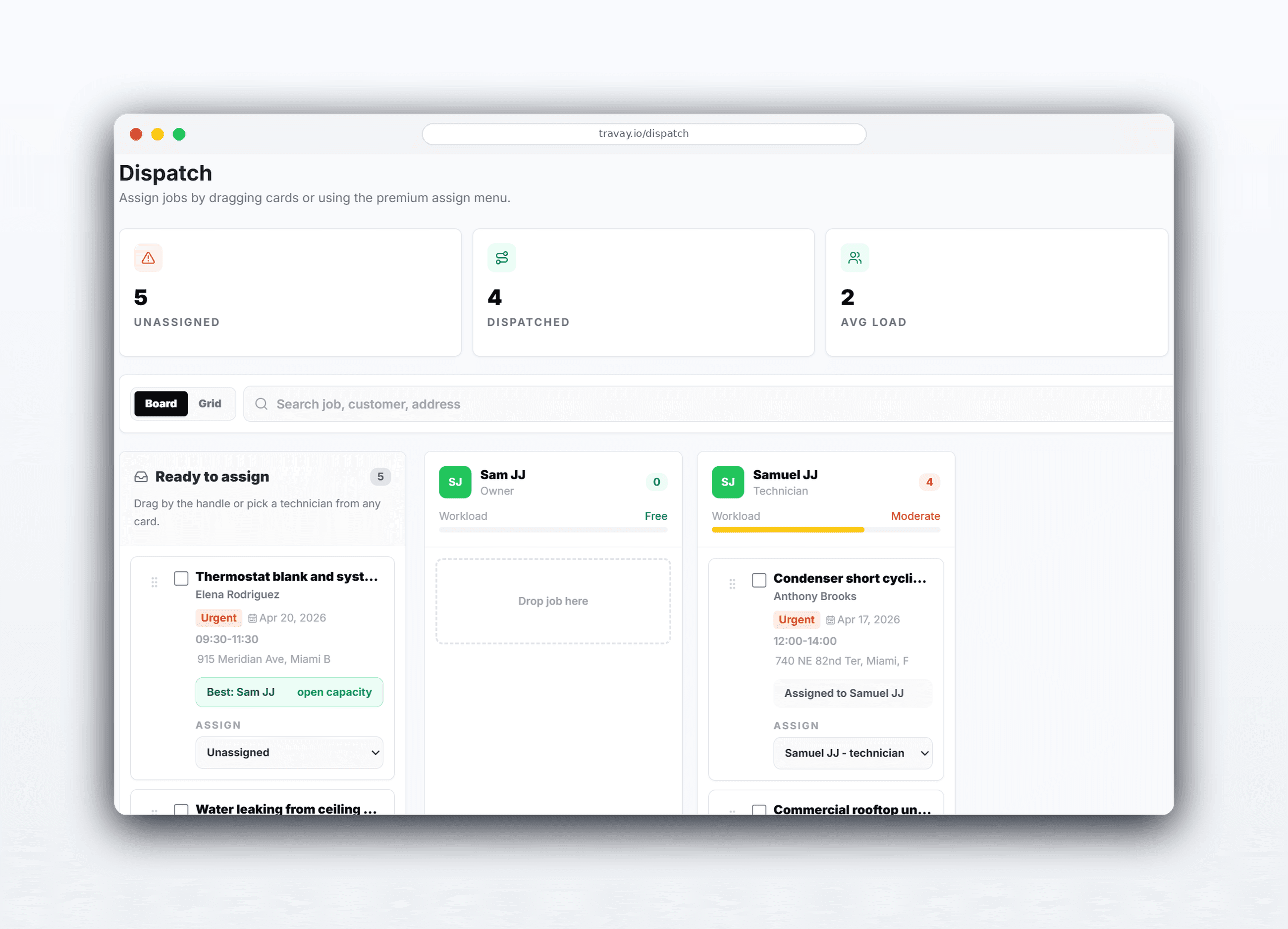
Travay gives HVAC, plumbing, electrical, and service teams a customer record that supports dispatch, field work, estimates, invoices, and follow-up instead of acting like a separate sales database.
Every address, note, estimate, visit, invoice, and callback should stay tied to the same customer timeline.
Pain points
These are the practical friction points field service teams keep trying to escape when they evaluate new software.
Phone numbers, service addresses, notes, and invoice history should not live in separate tabs that never line up.
When a customer calls back, the office should be able to see the recent work and next action immediately.
The customer record should support technicians, dispatchers, and billing instead of forcing each role into a separate view of the truth.
Core capabilities
Travay stays focused on the office-to-field loop that matters most for smaller and growing contractors.
Keep jobs, quotes, invoices, communications, and completed visit history connected to the same customer.
Customer records support job creation and dispatch instead of acting like a separate sales-only module.
Use the same customer context when sending confirmations, updates, and invoice follow-up.
Office staff can reopen prior work and create the next job with the existing customer record already loaded.
The win is not just another feature list. It is a calmer operating rhythm for the office and a more usable experience for technicians.
The same customer record supports new jobs, estimates, invoices, and future callbacks without rebuilding the contact.
The business looks more organized when every office user can see the same notes and job history quickly.
A clean customer timeline makes it easier to send the next estimate, collect payment, or schedule the return visit.
Real workflow examples
Every page below is written around the real office-to-field loops that matter for service businesses: assign work, complete the stop, quote when needed, and invoice without losing the context.
Create the customer once, then keep the record connected from job creation through billing.
Use prior work context to support faster customer service on the next call.
Related pages
A few practical questions teams usually ask before they start a trial or book a walkthrough.
Travay is both a customer record system and a field service workflow. The customer record is designed to support dispatch, jobs, quotes, invoices, and follow-up in one connected platform.
Yes. Travay’s shared search model is designed to help office teams find customers, jobs, invoices, and related records faster.
Technicians see the customer context they need in the job flow while sensitive billing and admin controls stay in the office workspace.
Yes. The customer record stays connected to estimates, approved work, invoices, and communications over time.
If your team wants dispatch, jobs, estimates, invoices, payments, photos, notes, and signatures in one modern flow, Travay is ready for a proper look.