
Too many competing panels
Smaller teams move faster when the product keeps the next action obvious instead of spreading attention thin.
Travay gives smaller and growing service contractors a more modern dispatch, mobile, and invoice workflow without piling on extra complexity.
Housecall Pro is a familiar field service platform. Travay is positioned for teams that want a cleaner UI, simpler onboarding, and a more focused mobile experience.
Pain points
These are the practical friction points field service teams keep trying to escape when they evaluate new software.
Smaller teams move faster when the product keeps the next action obvious instead of spreading attention thin.
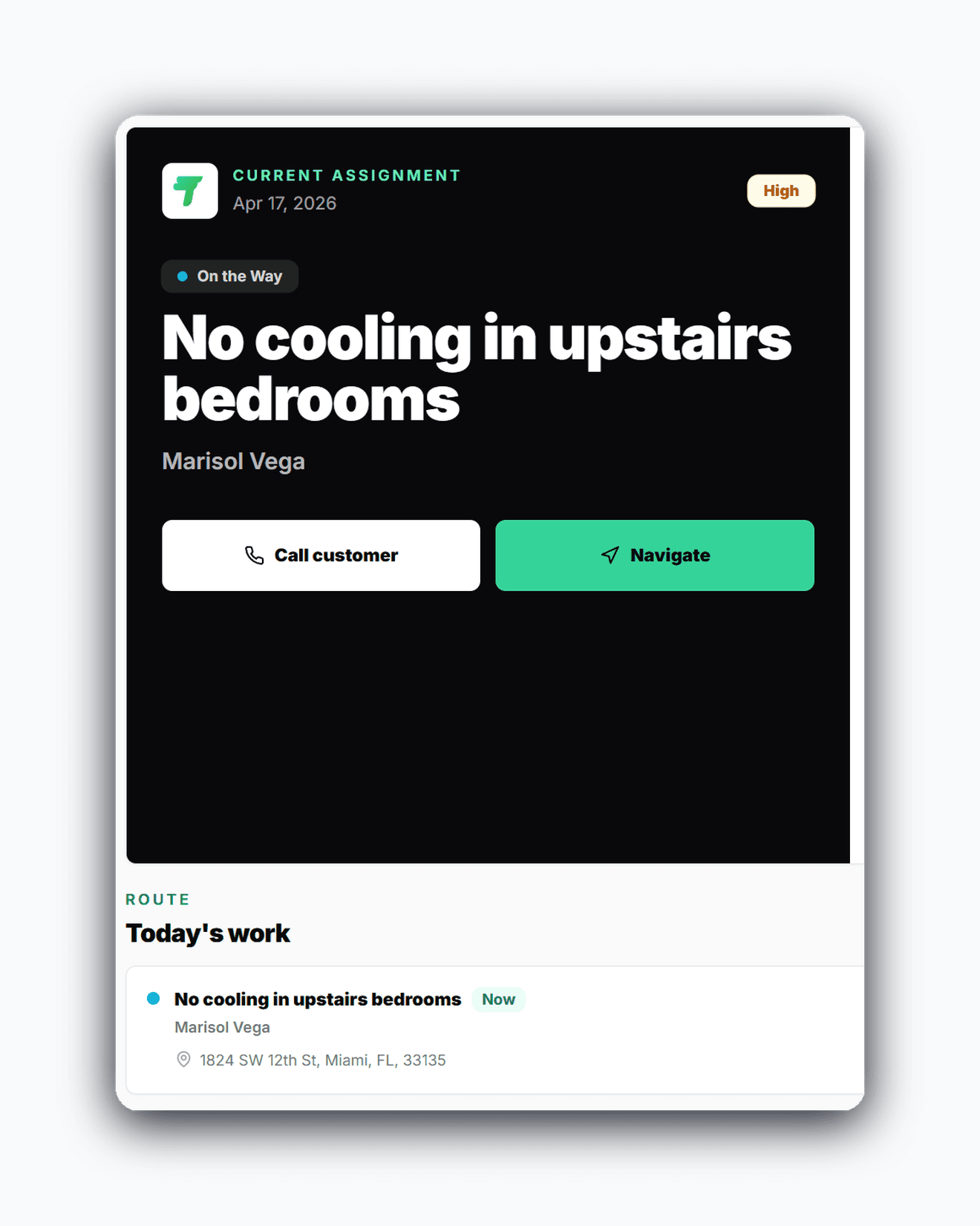
Field users need a job-focused experience that supports work, not a mini office dashboard on a phone.
Diagnostic or estimate visits should not look like approved repair work in the field workflow.
Core capabilities
Travay stays focused on the office-to-field loop that matters most for smaller and growing contractors.
Travay distinguishes diagnostic or quote visits, approved work, maintenance, and callbacks more clearly in the technician experience.
Office pages focus on ready work, dispatch actions, communication needs, and invoice progress instead of trying to do everything at once.
Plan gating, seat limits, and upgrade prompts are designed to feel premium rather than accidental.
Approved quotes move into a ready-to-schedule queue rather than silently auto-assigning to the wrong technician.
The win is not just another feature list. It is a calmer operating rhythm for the office and a more usable experience for technicians.
Travay is optimized to make dispatch, jobs, and billing feel faster without oversaturating every page.
The technician view is built around what needs to happen now, not a mixed set of admin and history panels.
Owners can start on a smaller plan and move up when the team or payment workflow actually requires it.
Real workflow examples
Every page below is written around the real office-to-field loops that matter for service businesses: assign work, complete the stop, quote when needed, and invoice without losing the context.
Keep sales approval and field scheduling separate so the office makes the final operational choice.
The technician finishes the work and returns to a clean home screen ready for the next stop.
This comparison stays focused on fit, onboarding style, and day-to-day experience rather than risky feature-by-feature claims.
| Criteria | Travay | Housecall Pro |
|---|---|---|
| Best fit | Smaller teams wanting a cleaner modern workflow | Teams comfortable with a mature all-in-one field service platform |
| Technician mobile focus | Job-first field UX with clearer action hierarchy | Broader mobile workflow with more surrounding feature context |
| Quote-to-schedule flow | Approval and scheduling stay clearly separated | See vendor workflow for exact estimate and job conversion details |
| Pricing posture | Predictable plan tiers for growing contractors | See vendor site for current pricing and packaging |
This page focuses on workflow fit and experience. Review the vendor’s current site for exact features, plans, and product details.
Related pages
A few practical questions teams usually ask before they start a trial or book a walkthrough.
Travay is a good fit for teams that value a calmer interface, simpler onboarding, and a more focused field workflow.
No. Travay is positioned around a cleaner and more modern operating flow for smaller and growing contractors rather than a one-to-one replacement of every feature surface.
Yes. Quotes, invoicing, communications, and online customer payments on Growth are part of the connected workflow.
Yes. Travay intentionally prioritizes what, who, when, where, and next action over repeating office detail in the field view.
If your team wants dispatch, jobs, estimates, invoices, payments, photos, notes, and signatures in one modern flow, Travay is ready for a proper look.