
Older-feeling admin workflow
The office works faster when pages feel intentional and the next action is obvious.
Travay helps smaller and growing contractors run dispatch, jobs, estimates, invoices, and technician workflow from one premium interface without the drag of an older admin feel.
Service Fusion is a known platform. Travay is positioned for teams that want a simpler mobile experience, cleaner office UX, and a faster time to value.
Pain points
These are the practical friction points field service teams keep trying to escape when they evaluate new software.
The office works faster when pages feel intentional and the next action is obvious.
Field teams want job context and action, not a dense admin translation of the same work.
A stronger workflow keeps approved work ready for scheduling instead of creating assignment confusion.
Core capabilities
Travay stays focused on the office-to-field loop that matters most for smaller and growing contractors.
Travay emphasizes cleaner page hierarchy, stronger queue-driven workflows, and calmer admin surfaces.
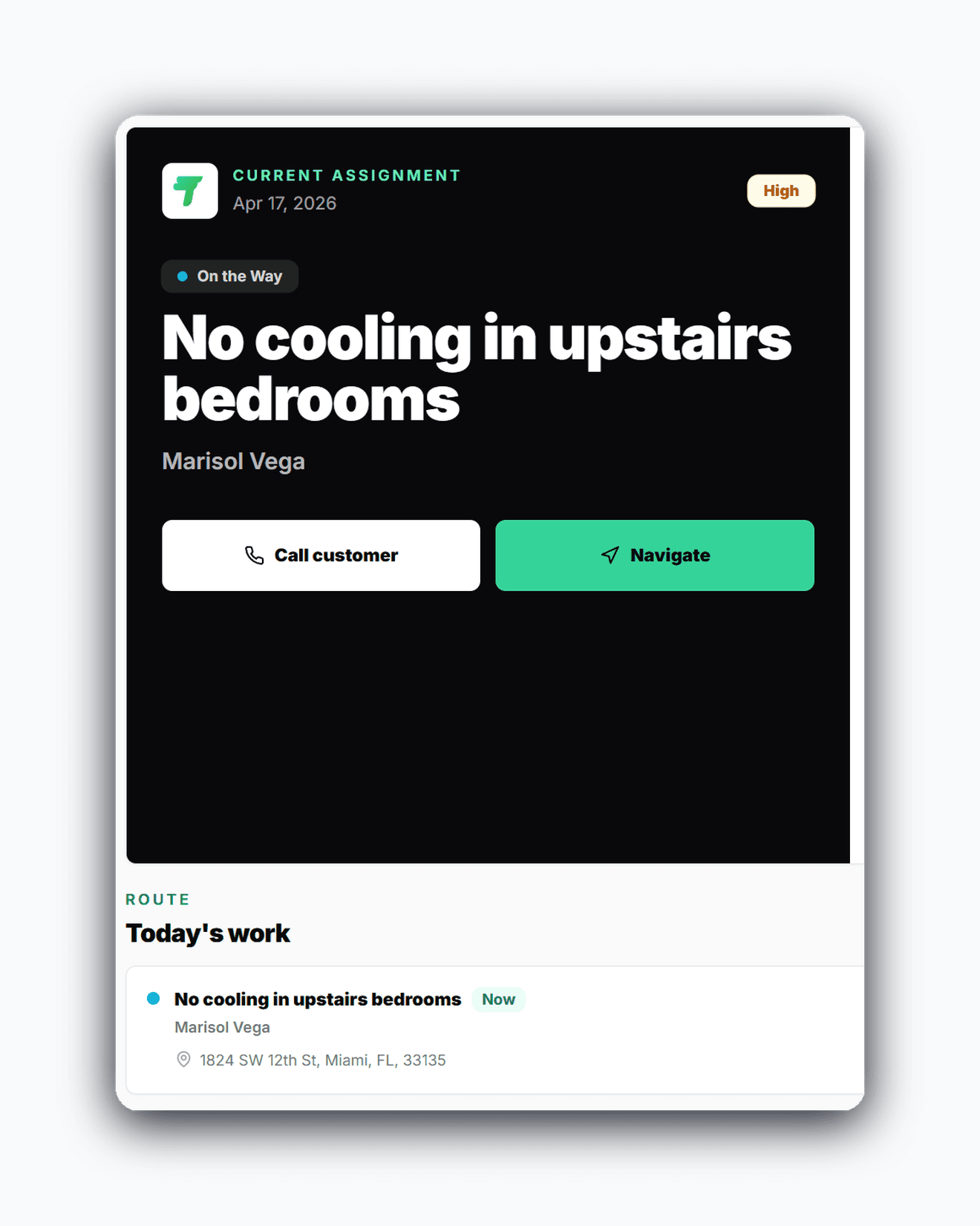
Field users get focus-job context, in-progress capture, and a simplified completion flow built for phones.
Quote approval, scheduling, and assignment are separate decisions so the office can control the work properly.
Plan tiers and upgrade prompts stay clearer for smaller teams than a sprawling enterprise-style package model.
The win is not just another feature list. It is a calmer operating rhythm for the office and a more usable experience for technicians.
Dispatchers and admins can move quickly through the day without fighting crowded pages.
Cleaner mobile information architecture makes the app easier to actually use in the field.
Branded invoices, cleaner customer messaging, and premium app UX help the business look more polished overall.
Real workflow examples
Every page below is written around the real office-to-field loops that matter for service businesses: assign work, complete the stop, quote when needed, and invoice without losing the context.
Use quotes, approvals, and final scheduling as distinct steps with less operational confusion.
Office and field stay connected through a cleaner jobs, dispatch, and completion loop.
This comparison stays focused on fit, onboarding style, and day-to-day experience rather than risky feature-by-feature claims.
| Criteria | Travay | Service Fusion |
|---|---|---|
| Best fit | Growing teams wanting modern UX and cleaner daily flow | Teams comfortable with a more traditional field service platform |
| Office experience | Calmer queue-first and premium page hierarchy | Established admin workflows with a more traditional feel |
| Technician workflow | Job-focused mobile experience with better completion clarity | See vendor product flow for exact mobile details |
| Onboarding feel | Faster to understand for smaller teams | Broader setup experience depending on team needs |
This comparison is directional and intended to help smaller contractors evaluate workflow fit. Review the vendor site for current details.
Related pages
A few practical questions teams usually ask before they start a trial or book a walkthrough.
Some contractors want a more modern product feel, cleaner technician mobile UX, and a simpler workflow than older field service platforms often provide.
No. Travay is positioned as a cleaner, more focused workflow for smaller and growing contractors, not a one-to-one clone of every mature platform capability.
Yes. Travay connects those flows so the office and field can work from the same source of truth.
Teams that want faster onboarding, calmer UX, and a strong mobile experience without enterprise bloat are the best fit.
If your team wants dispatch, jobs, estimates, invoices, payments, photos, notes, and signatures in one modern flow, Travay is ready for a proper look.