
Work order details lost in handoff
Customer notes, visit purpose, and schedule windows should not get lost between creation and the technician phone view.
Travay keeps the work order, technician context, photos, notes, billables, and invoice handoff together so service jobs do not fall apart after assignment.
A modern work order should guide dispatch, support the tech in the field, and make the office faster at the end of the job.
Pain points
These are the practical friction points field service teams keep trying to escape when they evaluate new software.
Customer notes, visit purpose, and schedule windows should not get lost between creation and the technician phone view.
Work performed and photos need to return to the office in a structure that supports quoting, billing, and future callbacks.
A technician needs to reopen completed work fast when a customer calls back with a question.
Core capabilities
Travay stays focused on the office-to-field loop that matters most for smaller and growing contractors.
Handle diagnostic or quote visits, approved work, maintenance, and callbacks without confusing one type of service stop for another.
Technicians can add notes, photos, parts, and services while working so completion becomes review instead of reconstruction.
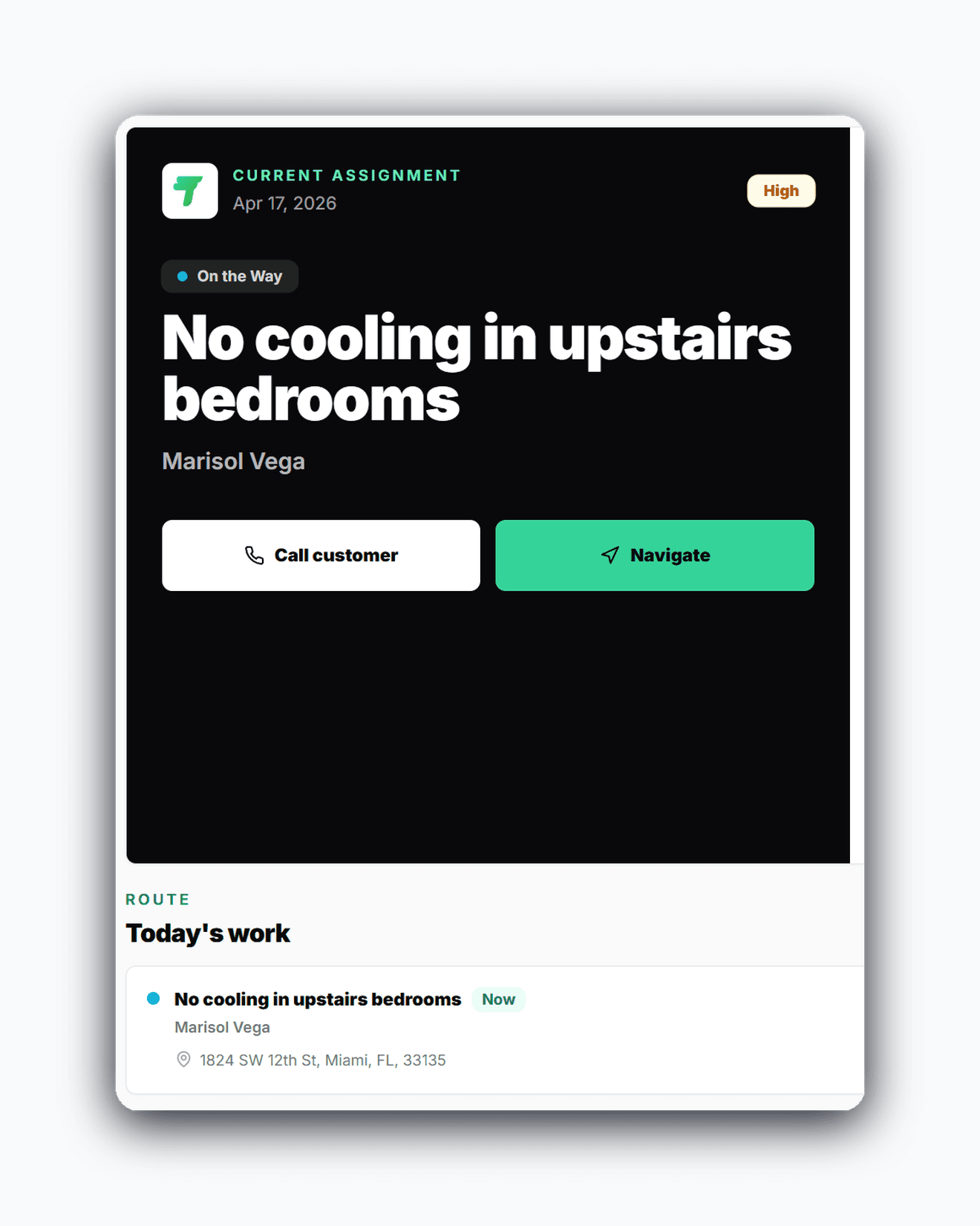
The active job view prioritizes what, who, when, where, and the next field action instead of repeating admin data.
Recent completed jobs stay easy to reopen so the field team can answer follow-up calls without guessing.
The win is not just another feature list. It is a calmer operating rhythm for the office and a more usable experience for technicians.
Technicians can capture what happened while they are still at the job, which improves future billing and support.
The office gets the work order back with context already attached instead of a partial note and a phone call.
When the same customer calls again, the job history is easy to reopen and understand.
Real workflow examples
Every page below is written around the real office-to-field loops that matter for service businesses: assign work, complete the stop, quote when needed, and invoice without losing the context.
Create, assign, complete, and invoice one service record without rebuilding the story.
Keep completed service records useful when the customer calls again.
Related pages
A few practical questions teams usually ask before they start a trial or book a walkthrough.
Yes. Travay supports connected work orders with dispatch, technician notes, photos, billables, and invoice-ready completion.
Yes. The mobile flow includes a work journal so notes, photos, and billables can be added while the job is in progress.
Yes. Completed work stays in history so technicians and the office can reopen recent jobs when a customer calls back.
Yes. Diagnostic or quote visits can end in a saved quote rather than forced invoicing when the customer is still deciding.
If your team wants dispatch, jobs, estimates, invoices, payments, photos, notes, and signatures in one modern flow, Travay is ready for a proper look.